Symmetry dynamics
Improve your process performance in a unified environment
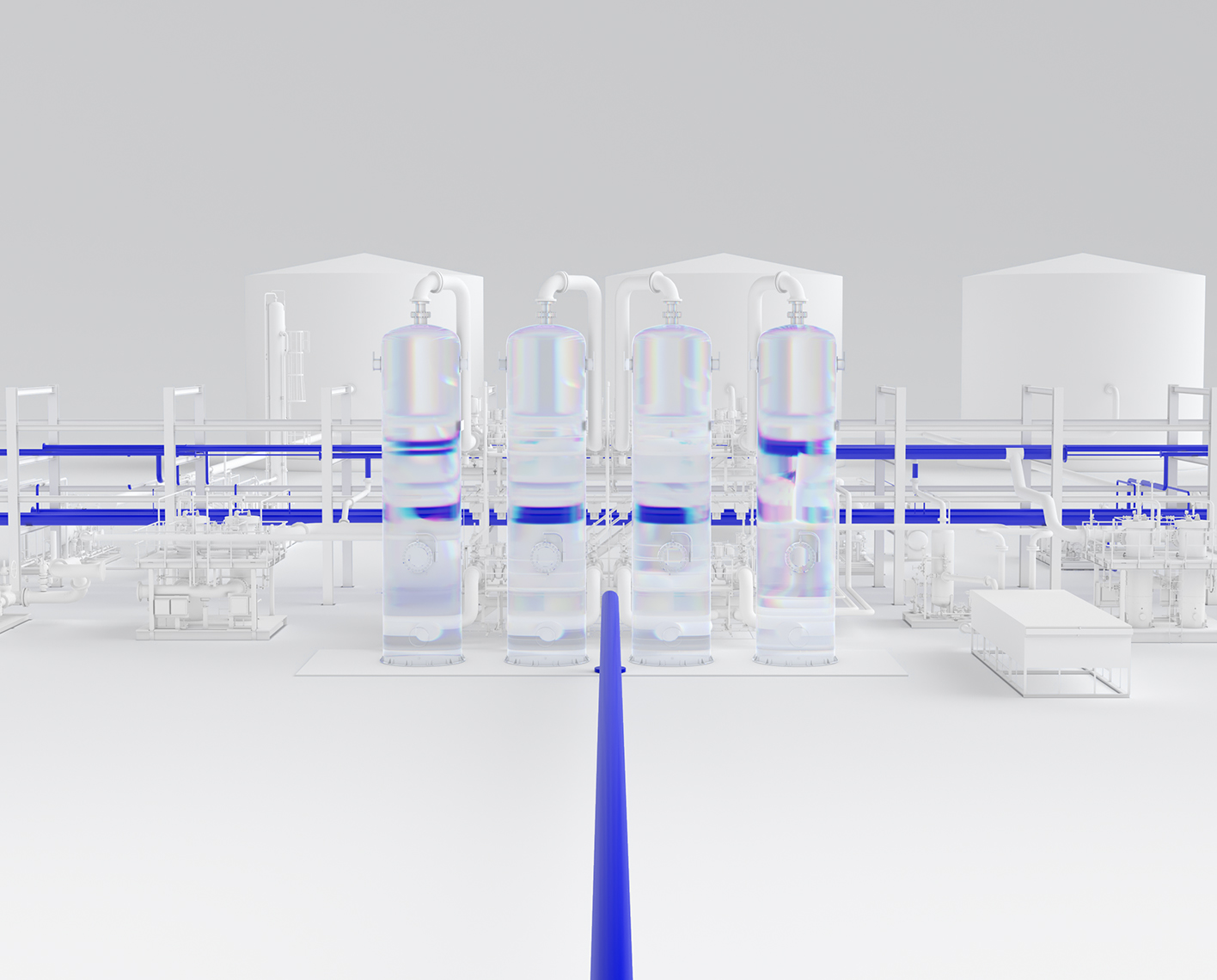


Improve your bottom line, evaluate changes, and enhance your process understanding
Symmetry Dynamics provides world class dynamic features and user friendliness in a unified life cycle environment, while reducing software costs and making dynamic simulation affordable to companies in the process industries.
Improve your process performance in a unified environment
The process industries are dynamic by nature, rarely operating at steady-state. Changes in feed flows and compositions, external disturbances, and changing equipment performance, continually effect the process operation.
Use Symmetry Dynamics to:
- Simulate process operability during upsets
- Evaluate process equipment, and control strategies
- Develop start-up, shutdown, and operating procedures
- Perform regulatory control system studies
- Perform step testing off-line
- Perform rigorous blowdown/depressuring
- Evaluate relief loads from causes such as reflux pump failure, fire, and power failure
A Symmetry Dynamics model incorporates equipment information, a control layer, and provides a complete, offline virtual plant. The model enables an engineer to gain process understanding and evaluate changes made that can improve performance of the process.
Benefits of Dynamic Simulation
- Dynamic modeling of the process developed in the design phase can highlight changes in the process configuration and equipment sizes that reduce equipment capital costs
- Industry experience has shown that the same model can reduce start-up times by as much as 70%
- Reduce APC implementation costs by as much as 30%
- Provides relief scenarios; a more accurate analysis of relief loads, saving millions of dollars on flare system revamps
Get world-class simulation software for a variety of processing applications

Upstream
- Production facilities
- Offshore platforms
- Gathering systems
- Gas hydrates

Gas processing
- Sweetening
- Dehydration
- Sulfur recovery
- Acid gas injection

LNG facilities
- Cryogenic processes
- Liquefaction
- CO2 freezing

Oil refining
- Crude oil distillation
Scenario Management
Define relief scenarios for standalone sources and/or full header networks to verify that the model meets safety constraints for every potential event. Constraint limits for relief valves and the header network are monitored, with inlet and tailpipe constraints optionally evaluated at the required or rated flow.
Valid sources are automatically detected from flare flowsheets and assigned relief conditions as specified in the running scenario. Key results are shown per scenario in the flare scenario manager, there are color-coded and sorted by their approach to constraint violation for efficient identification of bottlenecks.
- Active scenario selection defines the specifications and results shown on the flowsheet. Switching to a previously-run scenario restores its network solution with all calculated values. Users have access to any calculated property in a scenario by opening unit operation forms and delving into the hundreds of property profiles and variables available, as well as having access to multiple post-analysis tools like case studies, the line list, and a flow path viewer.
Key Features:
- Create, add, clone scenarios
- Auto-detection of valid sources from control valves, blowdown valves, and relief valves
- Select, change, or remove an active source
- Support relieving r or vapor fraction, p, composition and flow for each source per scenario
- Inactive sources are automatically specified
- View active scenario on the PFD, with the ability to both specify the scenario from the flowsheet and inspect all calculated values (including access to apply any tool like the flow path viewer or case studies)
- Restore full network results when switching to an active scenario that was previously calculated
- Specification and evaluation of relief valve constraints (MABP, inlet losses)
- Specification and evaluation of network constraints (Mach, RhoV2) for headers and tailpipes including specification of a tolerance for the given limit
- Inlet and tailpipe constraints evaluated at required or rated flow
- Visualization of scenario status and specific points of constraint violation with stored results
- Multiple stand-alone relief devices and networks can be specified within the same scenario, even in separate flowsheets
- Reference flowsheet selection relevant for multi-flowsheet cases
Relief Valves
Relief limit calculations for:
- Allowable accumulation, overpressure based on fire case / not and installation type relieving pressure based on MAWP/Set
- Pressure maximum allowed backpressure (MABP) from valve type and set pressure
Sizing and rating side-by-side with capacity check
- Sizing using homogeneous equilibrium method, based on the homogeneous equilibrium flow model (HEM) valid for any fluid phase
- Variety of options for two-phase relief discharge coefficient
- Display of results across all scenarios
- Determination of governing scenario and ability to select minimum required
- API size, API and ASME (Vendor) sizes supported to be used with matching discharge coefficients
- Solve at MABP or network backpressure (assumed or connected live to header network)
Convergent, Divergent, Looped Networks
Steady-state and dynamics solvers
- Multiphase support
- Kinetic energy tracking
- Multiple flare stack support
- Relief valve, blowdown valve (orifice) and control valve sources
- Nested flowsheets for multi-flowsheet networks
- Support organizing the network across multiple nested flowsheets
- T-Junction friction losses (Miller method)
- Critical flow (choke) prediction
- Losses due to pipe diameter changes
- Implicit enlargers and reducers added for diameter changes between pipes or at connection with junctions
- Junction diameter specification
- Frictional losses at separator entrance and exit
- Flare tip curve support
Detailed Heat Loss
- Wall material and insulation layers
- Ambient conditions
- Axial heat transfer (dynamics)
Tailored User Interface
- Custom PFD palette focused on relevant unit operations for relief devices, header network, and utility unit operations
- Flare ribbon with access to active scenario selection, status, and other relevant tools like the Scenario Manager, Flow Path Viewer and Model Audit
- Model Audit tool to monitor steady-state network specifications and provide warnings and insight about the model in both steady-state and dynamics
- Line list with summary of data for all pipes and functionality that includes bulk editing, filtering, and sorting

Pressure-flow solver
- Network solver eliminates need for recycle calculations
- Flexible specification set
- Rating mode calculates pressure drops based on geometry
Historian
- Customizable stripcharts
- Data can be viewed or exported to applications such as Excel
Event scheduler
- Program sequences for batch processes
- Implement trip and interlock logic
- Conditions can be based on time or variable values
Heater/cooler
- Temperature or duty specification
- Heat loss to surroundings
Valve
- Specify performance using Cv, Cg, K, or Cv curves
- Select valve characteristic
- Sizing based on flow conditions or valve size/type
- Detailed actuator dynamics
Pipe segment
- Full multiphase capability
- Wide range of pressure drop and holdup correlations
- Detailed modeling of insulation and heat losses
Relief Valve
- Supports Design Institute for Emergency Relief Systems Homogeneous Equilibrium Model (DIERS HEM) methodology
Heat exchanger
- Specify overall U or film coefficients
- Scale heat transfer based on flow rate
- Heat loss to surroundings
Cross connector
- Map property packages and component slates
Separator
- Multiphase separation
- Geometry includes boot and elliptical heads
- Insulation and heat loss calculations
- DIERS blowdown liquid expansion calculations
- Fire heat input calculations, including radiant heat transfer

NExT Symmetry training courses
NExT offers a comprehensive training program to support users of the SLB software, plugins, and other software products.

Process Simulation in Action Webinar Series
Catch the latest Symmetry and Flaresim software updates, pro tips, and industry solutions.
Learn moreIn this section
-
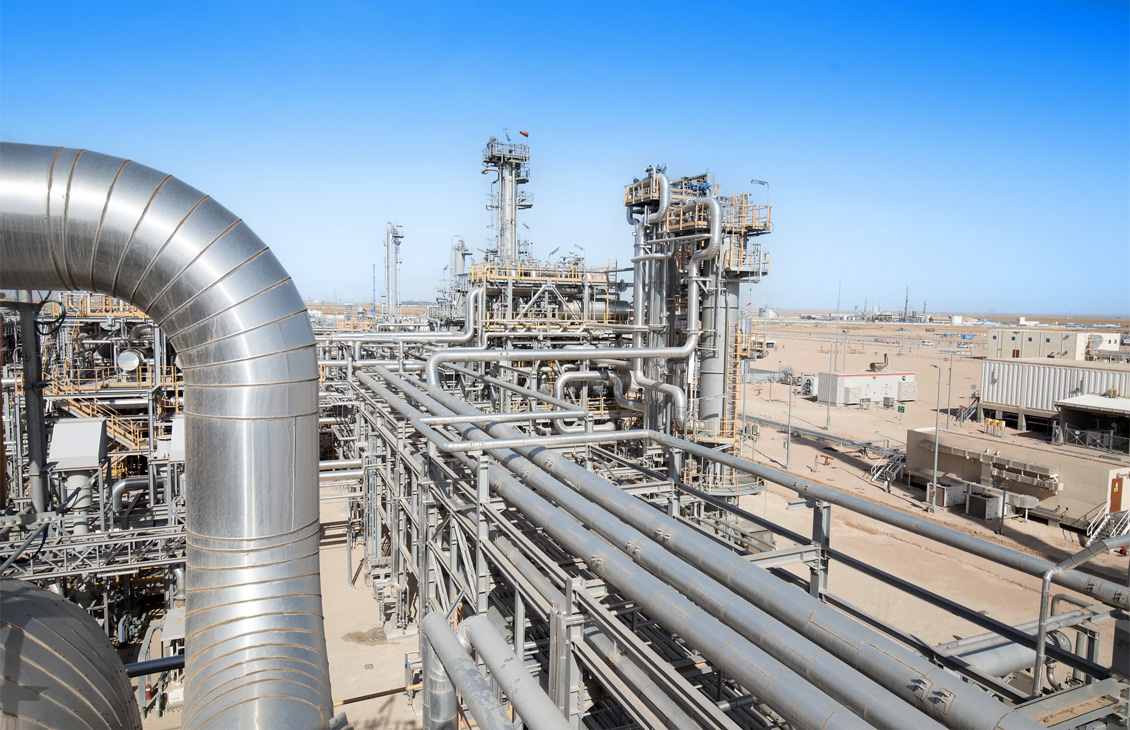
Symmetry dynamics
Dynamic features and user friendliness in a unified life cycle environmentReducing software costs and making dynamic simulation affordable to companies in the process industries.
-
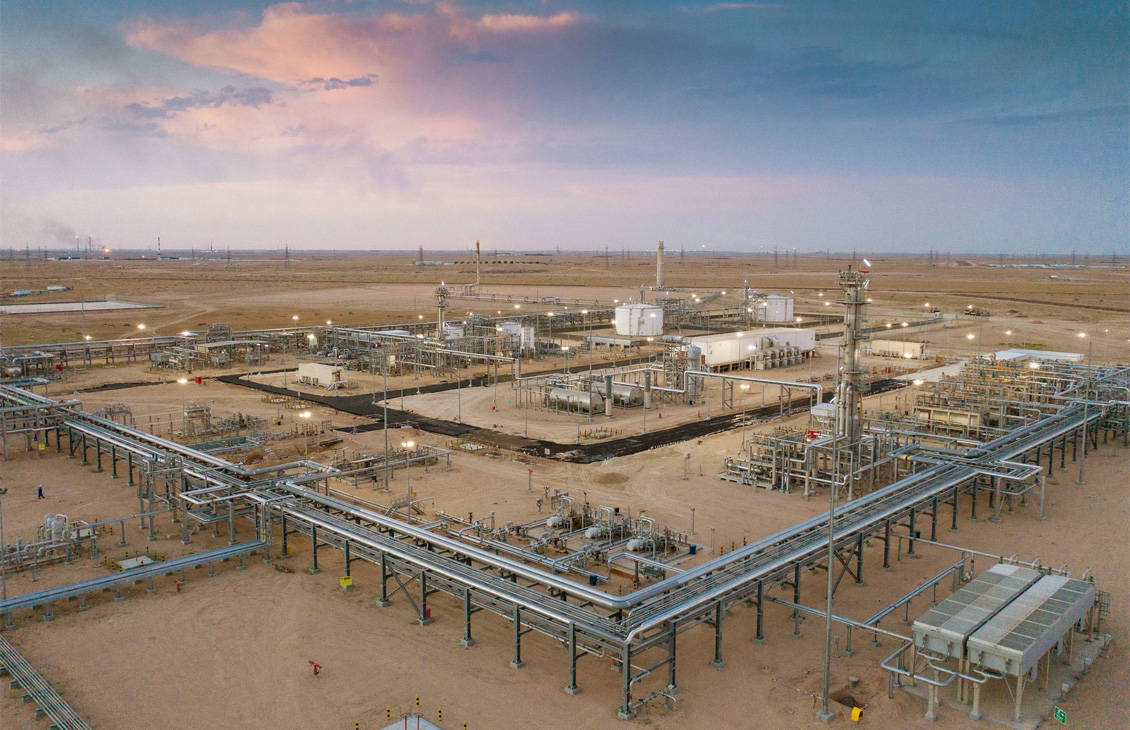
Symmetry field
Fully integrated reservoir/multi-phase gathering system simulatorSymmetry Field Workspace models large and small gas properties.
-
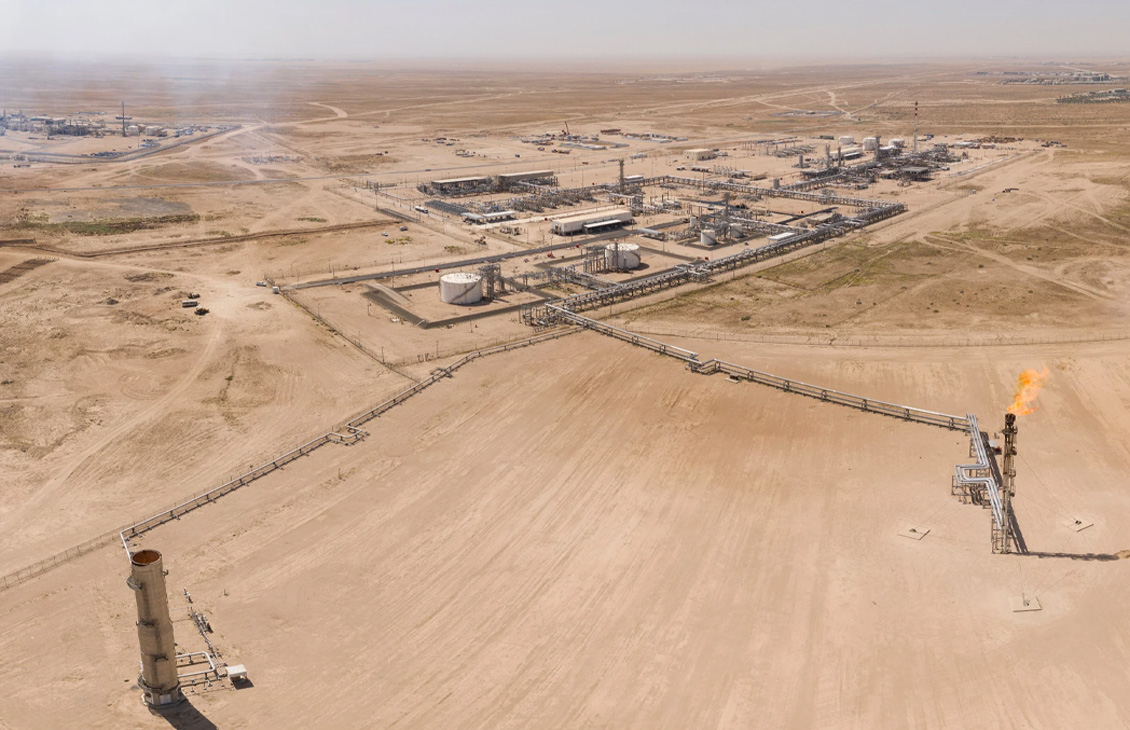
Symmetry flare
Model the complete flare systemThe Flare workspace empowers users to verify safety systems completely, efficiently, and rigorously.
-
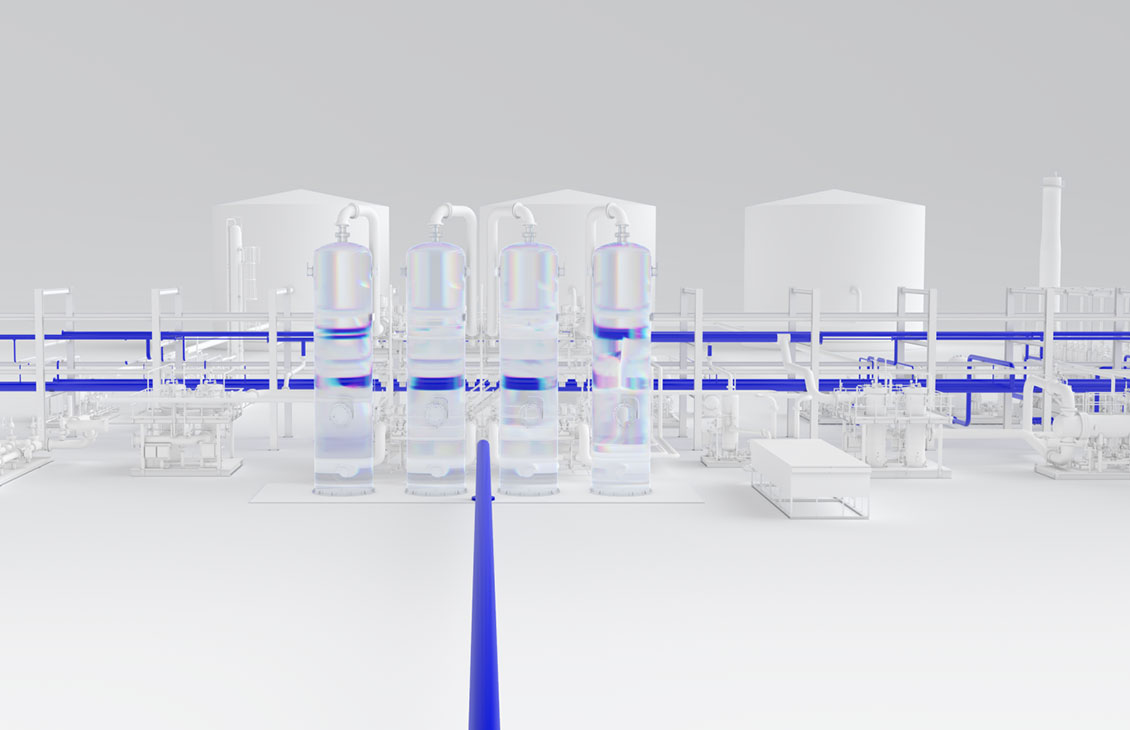
Symmetry pipe
Integrated approach to optimize productionIntegrated approach to optimize production.
-
Symmetry process
Advancing process understandingAdvancing process understanding.
-
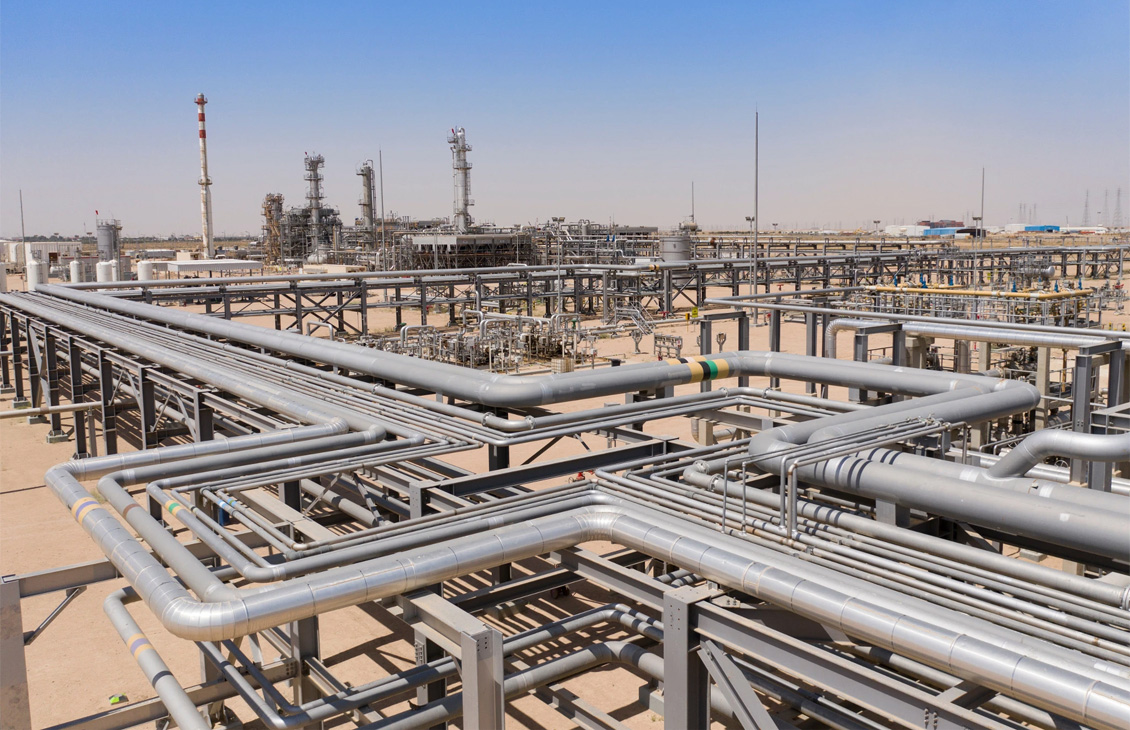
Symmetry thermo
An extensively validated thermodynamics library with almost 20 years of program refinementAn extensively validated thermodynamics library with almost 20 years of program refinement.
Discover digital
Software
World leading software built to solve your challenges.
Living Digital
See the latest digital articles, webinars, podcasts, blogs and tech talks.
Support
Access a variety of technical assisted support services and submit support requests online.
