Analytics Explorer™ analytics and AI software

Analytics Explorer software combines guided data science, machine learning, and E&P workflows so geoscientists and engineers can analyze data, explain key drivers, and compare development and production scenarios.

Analytics Explorer
minus

Turn subsurface data into explainable predictions

Analytics Explorer™ analytics and AI software is designed for exploration and production workflows. It combines guided data science and machine learning with geoscience and engineering context so multidisciplinary teams can prepare data, investigate relationships, build models, and evaluate the factors that influence subsurface and well performance.

Teams can use Analytics Explorer software to integrate relevant datasets, automate repeatable analysis, compare models, and review feature importance before applying results to technical decisions.

Apply predictive analytics across E&P workflows

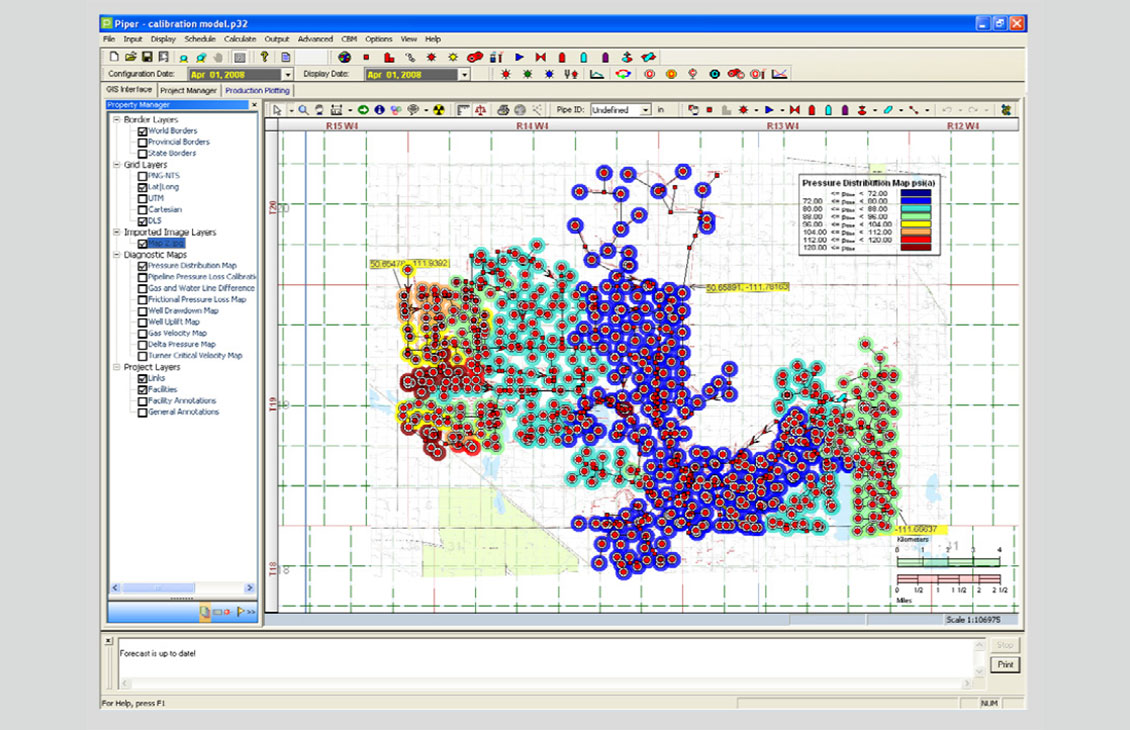
  • Build predictive production maps: Combine engineering and geological context to model well performance and visualize predicted production across an area.
  • Optimize completion strategies: Separate controllable engineering and completion variables from geological constraints to compare development scenarios.
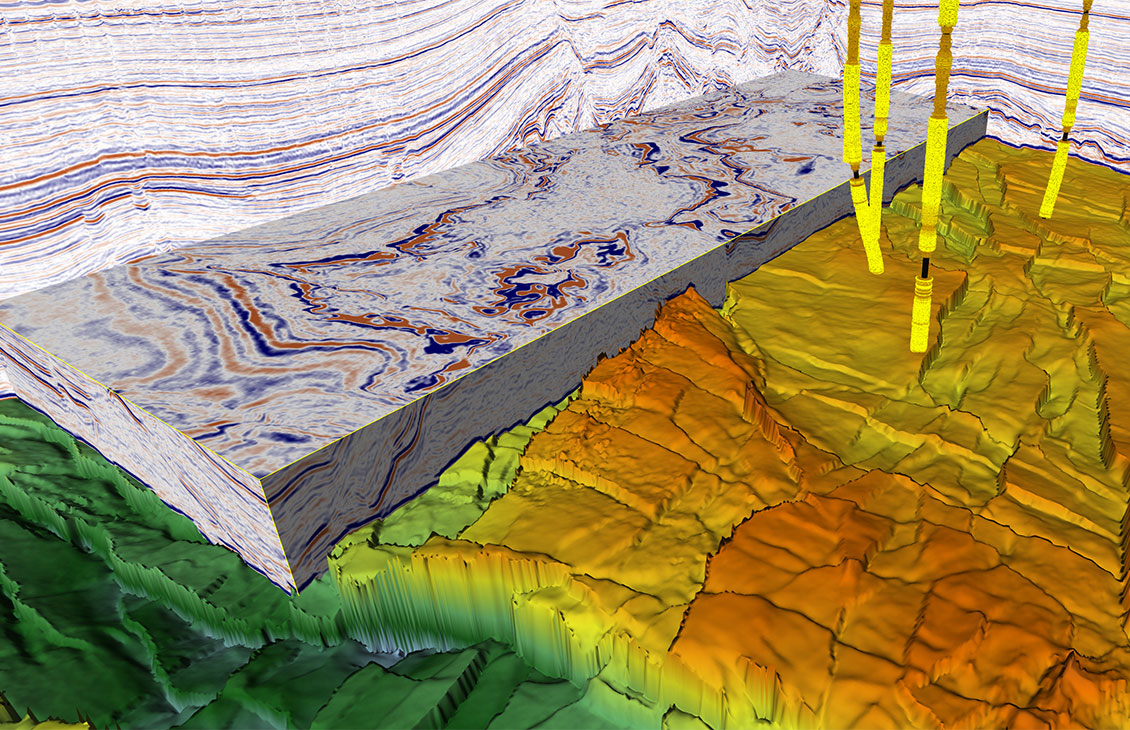
  • Classify geological and geophysical facies: Apply clustering and predictive workflows to well logs, grids, seismic attributes, and interpreted datasets.
  • Analyze unconventional wells: Evaluate spacing, vintage, development patterns, and other factors that may influence well performance.
  • Predict reservoir properties: Use well properties, geological interpretations, and seismic attributes to investigate reservoir characteristics between control points. .
  • Impute and quality-check data: Identify gaps, prepare datasets, and estimate missing values for supported analytical workflows.

Turn subsurface data into explainable insights and predictions

  • Make data science more accessible: Use guided workflows that help domain specialists apply machine learning to E&P questions.
  • Reduce repetitive preparation and analysis: Automate selected data-processing, model-building, and comparison tasks.
  • Support explainable decisions: Review feature importance, model behavior, and validation information instead of relying on an unexplained prediction.
  • Adapt analysis to the asset: Configure workflows around the basin, reservoir, wells, available data, and business questions.
  • Connect disciplines: Bring geological, geophysical, engineering, completion, and production context into a common analytical workflow.

Understand the drivers behind subsurface and well performance

  • Model explainability: Explore how input variables contribute to model results and review the factors influencing predictions.
  • Multicollinearity analysis: Identify closely related input variables that may affect model interpretation.
  • Principal component analysis: Reduce complex datasets to a smaller set of components for better supported analytical workflows.
  • Attribute-impact analysis: Compare the relative influence of geological, geophysical, engineering, completion, and production attributes.
  • Automated machine learning: Build and compare supported models through guided automation.
  • Automatic data imputation: Estimate missing values where suitable for the selected workflow and dataset.
  • Model deployment: Operationalize approved predictive models within supported workflows; exact deployment options require confirmation.
  • Unconventional-well analytics: Evaluate spacing, development vintage, drainage patterns, and other performance drivers.
  • Workflow templates: Start from predefined geoscience, engineering, and benchmarking workflows, subject to current product confirmation.

What is Analytics Explorer used for?

Analytics Explorer supports predictive modeling and data-science workflows for E&P questions such as production prediction, completion optimization, facies classification, reservoir-property prediction, unconventional-well analysis, and data imputation.

Who uses Analytics Explorer?

The product is intended for geoscientists, reservoir and production engineers, completions engineers, subsurface data scientists, and multidisciplinary asset teams.

Does Analytics Explorer require coding?

The source materials describe guided workflows intended to make data science more accessible to E&P specialists. The exact no-code, low-code, and scripting capabilities must be confirmed for the current SLB product.

Can Analytics Explorer connect with Kingdom or Harmony Enterprise?

Legacy S&P materials list connections to Kingdom and Harmony Enterprise. SLB must confirm supported versions, licensing, data exchange, and deployment before this becomes a public claim.

Can Analytics Explorer explain machine-learning results?

The source product describes model explainability, attribute-impact analysis, feature importance, and model validation. Product review should confirm the exact supported methods.

Can Analytics Explorer use proprietary company data?

The source materials describe workflows using customer and platform data. Current supported formats, connectors, security controls, and commercial terms must be confirmed.

Two people talking

Talk to an SLB expert about Analytics Explorer

Reach out to discuss your subsurface data, predictive modeling goals, available workflows, and deployment requirements.

Contact us